Academy
Stable item IDs in a product feed
Why a product ID should survive copy edits, refreshes and channel changes, with a simple checklist for variants.
Checked against the sources on 3 October 20267 min read
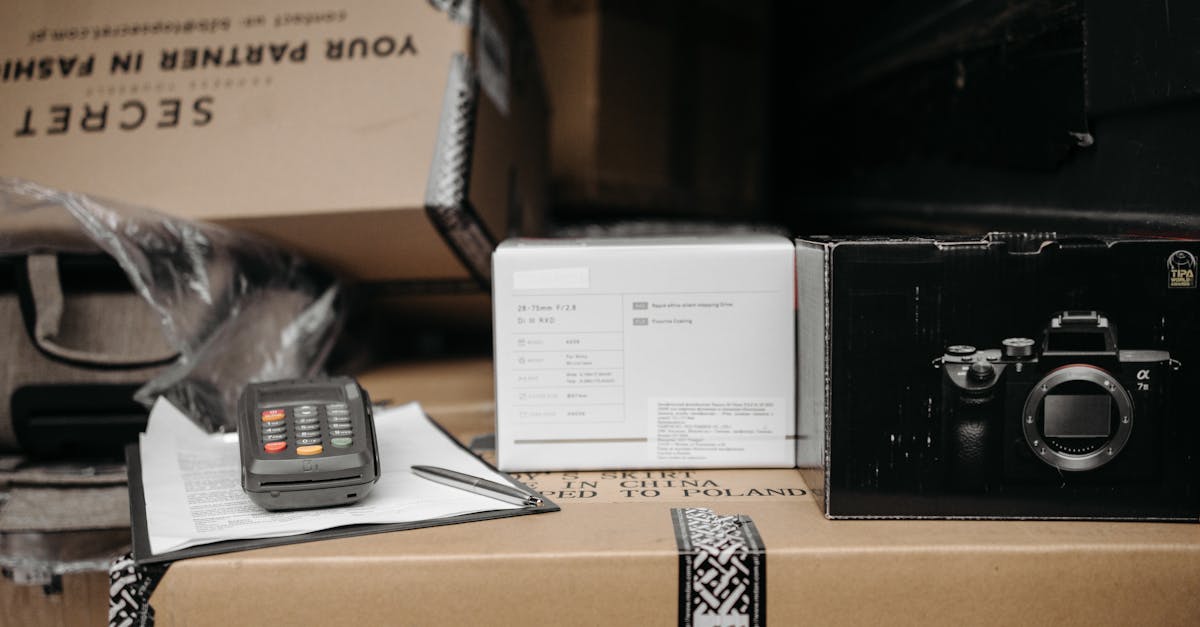
A stable item ID is the durable identifier for a product or sellable variant. It should stay the same when a title, description, photo or price changes. That continuity lets a receiving system recognise that it is looking at the same item with updated facts rather than a new product appearing from nowhere.
Why this matters now
Titles change for good reasons: a merchant adds a material, corrects a spelling mistake or updates a seasonal name. If the ID changes too, historical associations and routine refreshes become needlessly fragile. Stable IDs are quiet infrastructure. Customers rarely see them, but feeds rely on them to make sense of change.
What to check first
| Check | What good looks like | What to do if it is missing |
|---|---|---|
| Product ID | Durable identity for a sellable row | Reuse the source system's stable key |
| Title | Customer-facing description | Change when clarity improves |
| SKU | Merchant operational identifier | Use it as item_id only if it is unique and stable |
A practical way to do it
- Find the existing internal product or variant identifier in the source shop.
- Choose the level of identity that matches the sellable row, especially for variants.
- Keep the value as text so leading zeros do not disappear in exports.
- Reject duplicates before publishing a refreshed feed.
- Document any migration where an old ID must deliberately be retired.
Common mistakes
- Generating IDs from product titles or URLs.
- Sharing one item_id across variations that can have different stock or prices.
- Replacing all IDs during a platform migration without retaining a mapping.
What this does not mean
A clean product feed makes your catalogue understandable to a receiving platform. It does not guarantee approval, inclusion, ranking, sales or a particular checkout experience. Those decisions and customer-facing flows remain with the platform and the merchant.
The useful habit is simple: correct the source data, then validate the exported feed. Do not patch a one-off file and assume the next shop sync will remember your fix. That is how a tidy launch turns into a slow drift a fortnight later.
See the missing fields in a public shop catalogue before you spend time formatting a feed by hand.
Run a free store checkQuestions
Can I use a SKU as item_id?
Yes if it is unique, durable and identifies the row being sent.
What if a variant is discontinued?
Remove or mark that row according to the receiving channel's documented rules; do not recycle its ID.